

System
How it works
Everything runs inside Notion. Campaigns ship with linked databases for quests, NPCs, factions, locations, loot, and sessions—so you can focus on the table, not prep.
Welcome
Welcome, new Dungeon Masters.
I started DMing as a complete beginner and wanted a better way to run sessions without drowning in scattered notes.
So I built these campaigns inside Notion—linked quests, NPCs, locations, and sessions—so you can focus on the table, not the admin.
Step 1
Pick a campaign.
Each campaign is a curated, custom story with adventures, locations, characters, and an interconnected world.
Duplicate it, skim the overview, and then remix anything—swap NPC motivations, change the villain, rewrite the finale. It’s your table.
- •Prewritten story arc with optional side quests
- •Linked quests, locations, NPCs, factions, and treasure
- •Beginner-safe structure for low-prep play
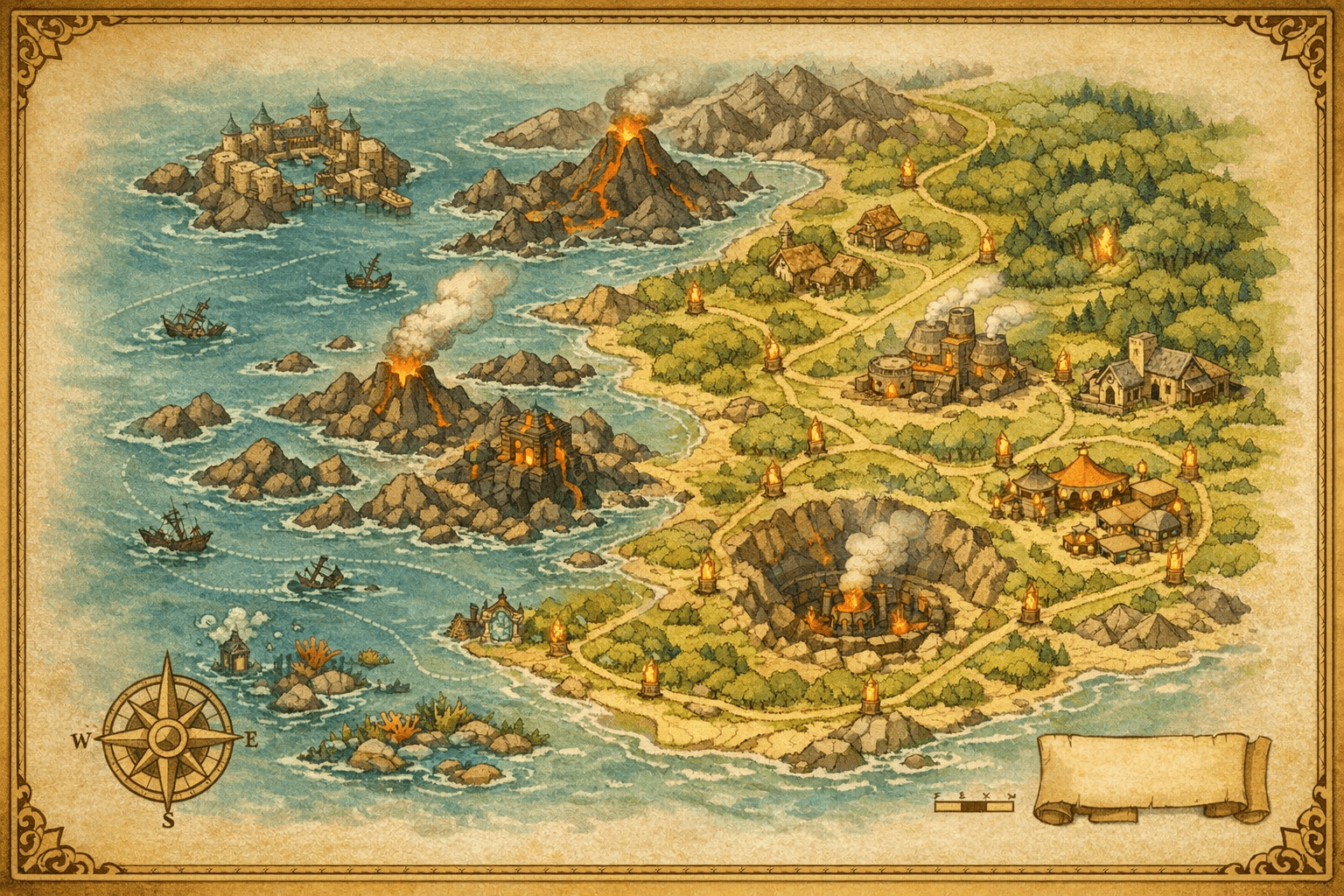
Step 2
Start with the guide.
Inside every template, start with the Get Started page and the DM Campaign Guide.
It walks you through the story beats, session flow, and the places where you can improvise or make the campaign your own.
- •Clear session order and pacing guidance
- •Tone, safety tools, and read-aloud hooks
- •Ideas for creative twists when you want them
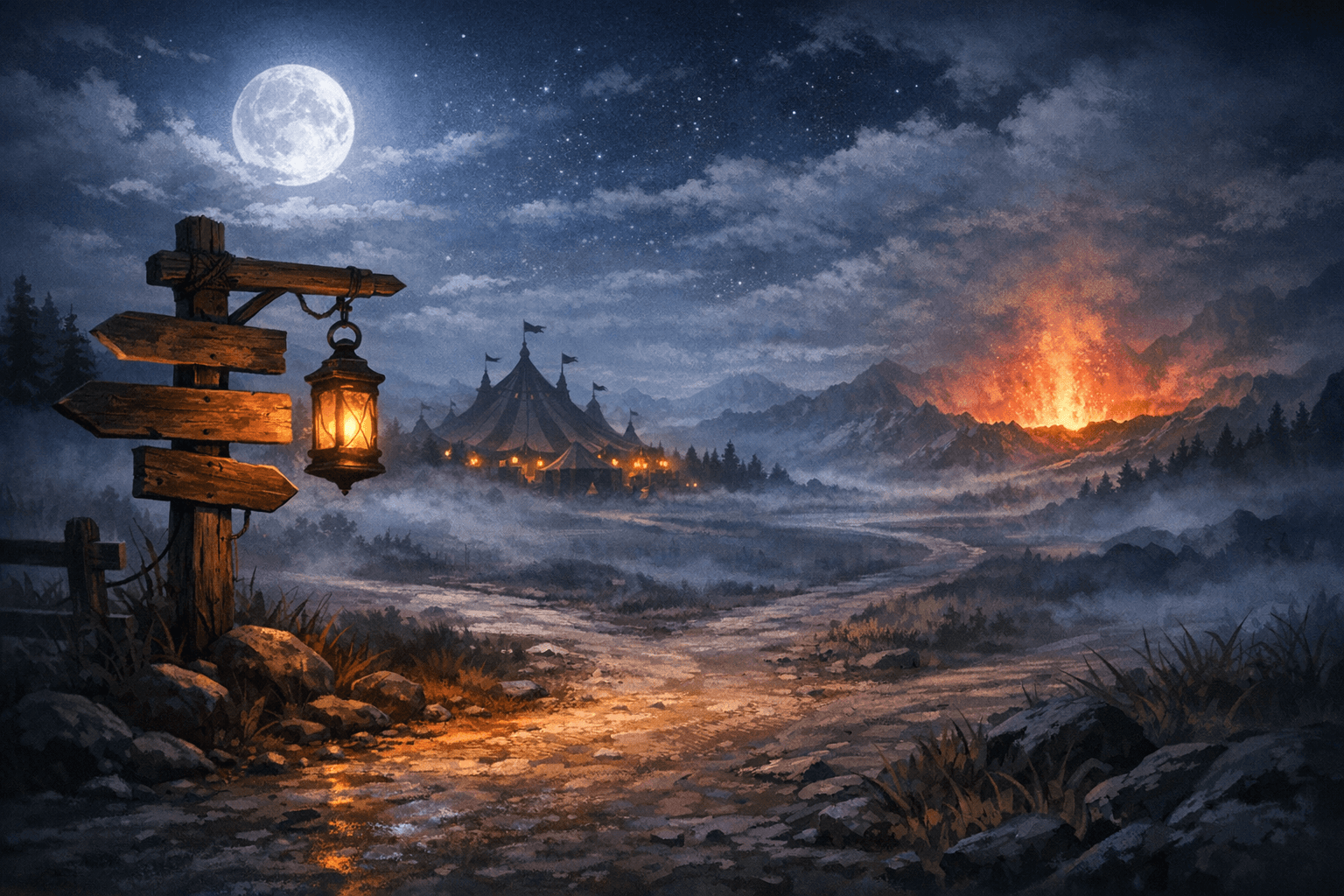
Step 3
Learn the world (fast).
Get familiar with the building blocks: factions, player characters, NPCs, locations, and quests.
Everything is connected—so when your party asks, “Who runs this town?” you’re one click away from the answer.
- •Faction and NPC databases for quick reference
- •Locations tied to quests and rewards
- •A world you can adapt to your party
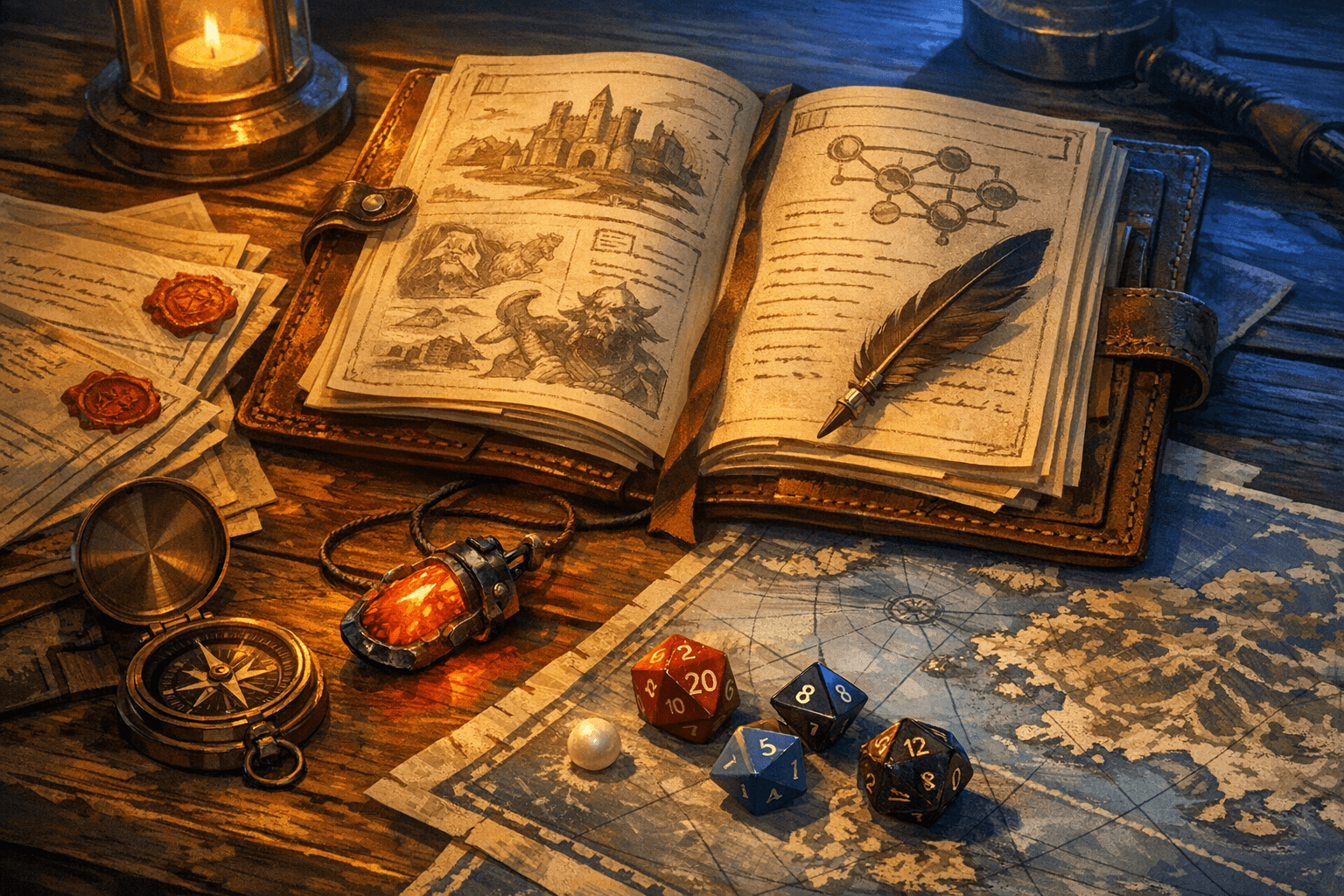
Step 4
Run sessions in chronological order.
Before each session, open your agenda and prep notes. During play, stay inside Notion: track NPCs, treasure, and the next quest hook in real time.
Let players build and track their characters too—stats, notes, and party decisions stay searchable and organized.
- •Session tracker to schedule, prep, and recap
- •Player tracker for party notes and key stats
- •Clean history of what happened and what’s next
Next step
Get started
Pick a campaign template, duplicate it into Notion, and start running your first session.
Already picked one? Follow the Get Started guide.